• StoreStore
  • PC GamesPC Games
  • VR GamesVR Games
  • StreamerStreamer
  • DeveloperDeveloper
  • SupportSupport
GTA V x TactSuit GiveawayWin 1 of 10 TactSuit ProEnds Oct 18 (PDT)Enter Now
Win 1 of 10 TactSuit ProEnds Oct 18 (PDT)
Downloads
Manual
bHaptics Player
bHaptics Studio

support-bannersupport-mobile-banner

Downloads

Downloads

/

Manual

Downloads

bHaptics Player

bHaptics Player is an essential software to connect and use your bHaptics devices. Please download and install it based on the platform you wish to use with your bHaptics devices.

Meta Quest

from App Lab

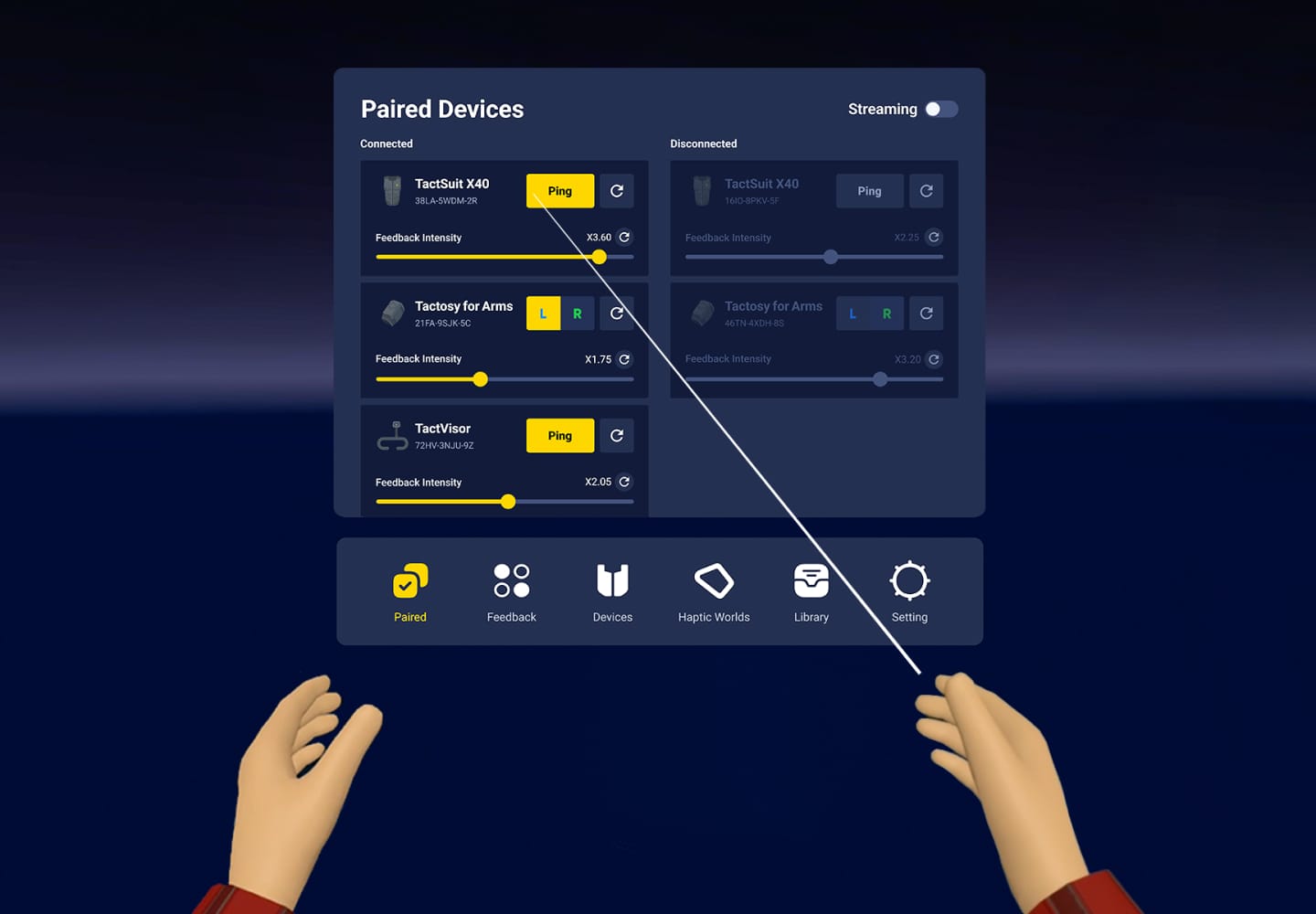
Check device connection status

Change device configuration

Try haptic demo

Test haptic feedback

PC

Windows 10 (ver 1703 and later), Windows 11 macOS 12 (Monterey) and later
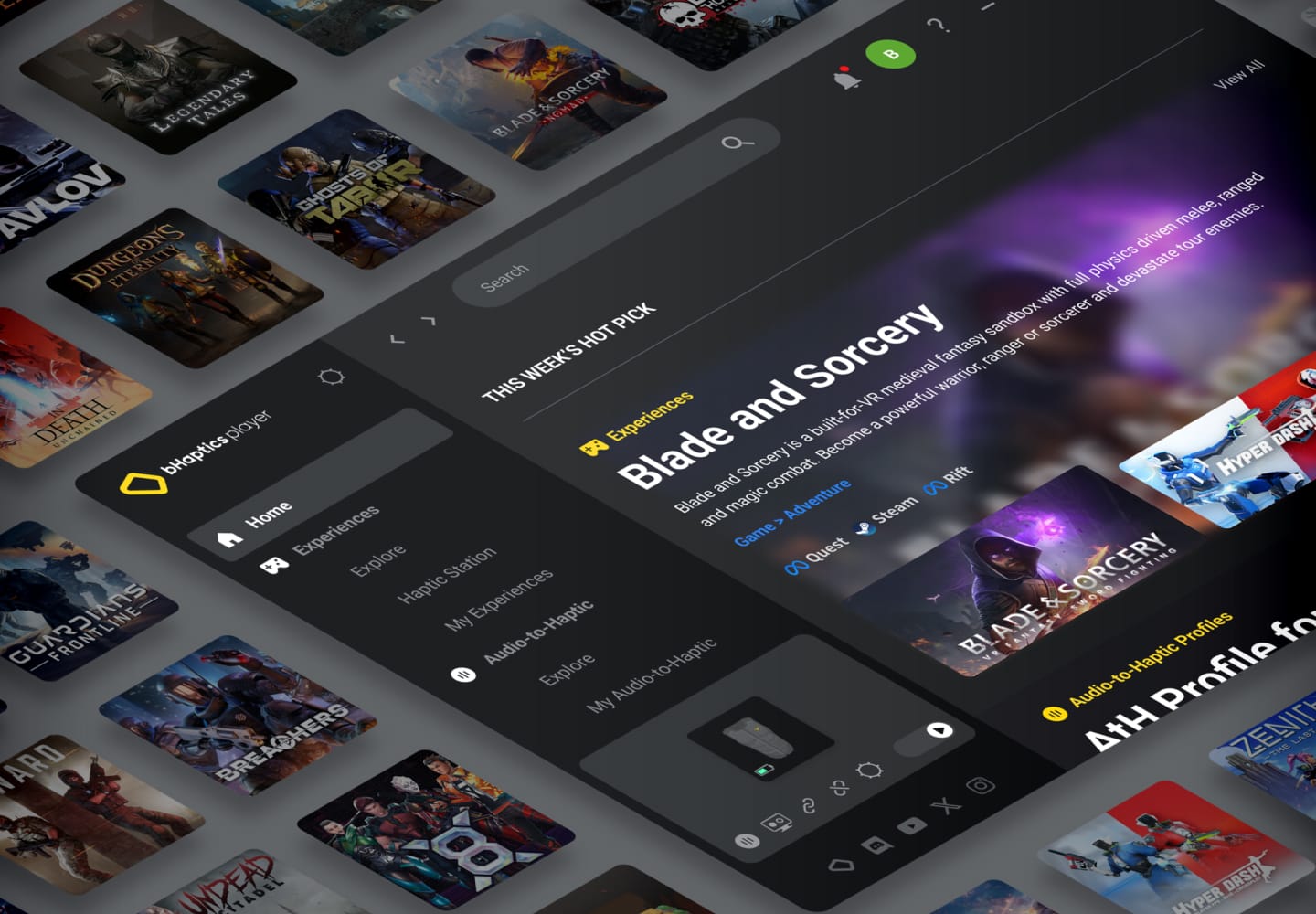
Connect and manage bHaptics devices via Bluetooth

Install game mods for haptic feedback in supported games

Explore the haptic experiences library

Use Audio-to-Haptic to feel music and sound effects

Adjust haptic intensity and device settings

Quick Control Panel for fast access to key features

Manage your account and troubleshoot issues
Mobile

iOS, Androids

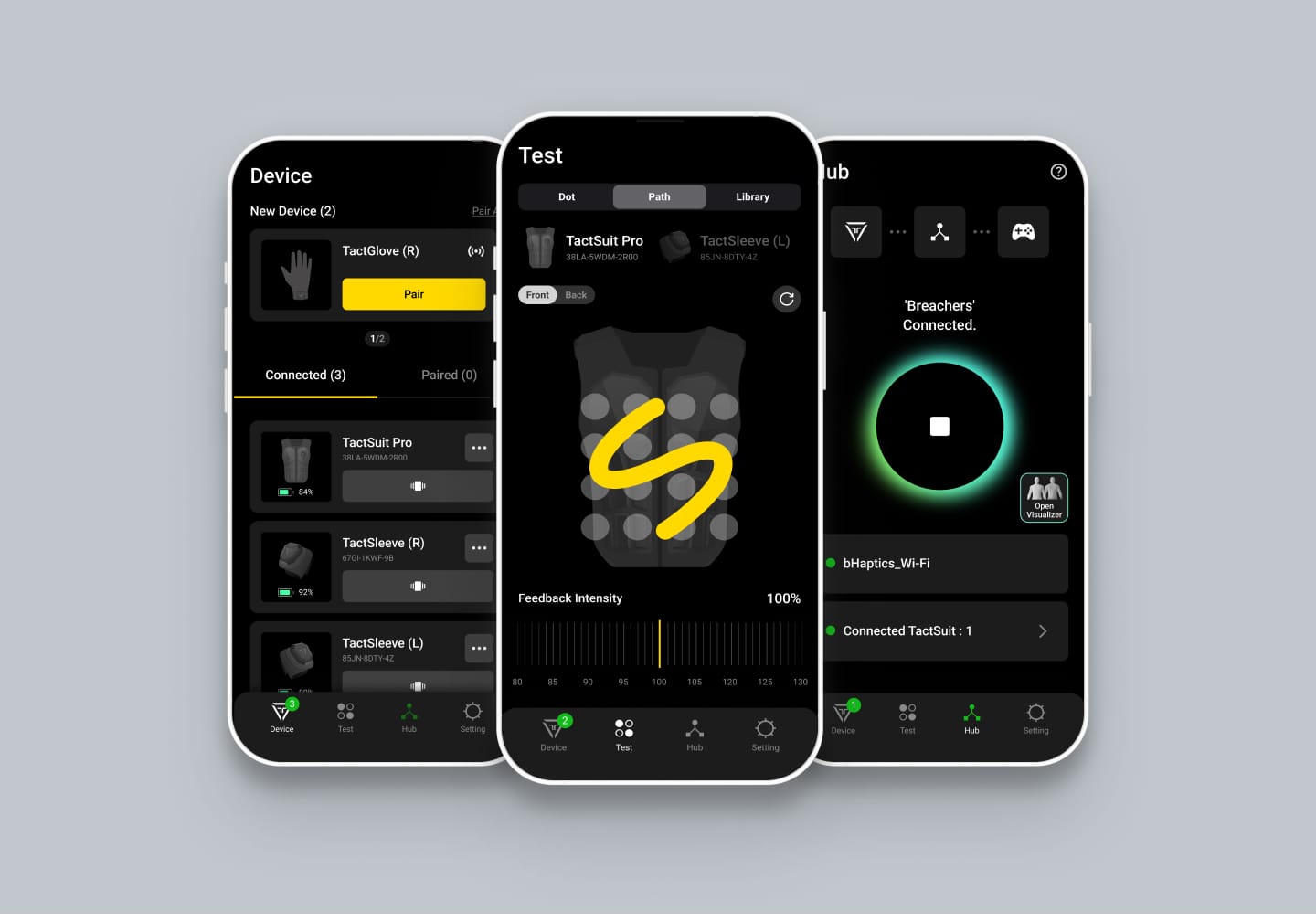
Pair bHaptics device to mobile

Test and experience haptic patterns

Connected to the same network as PSVR2

Visualize haptic feedback

Full-body haptic wearables that let you feel every game

Newsletter

Don't Miss Out on Our Latest Updates!

Store

  • TactSuit Pro
  • TactSuit Air
  • TactSuit Air Camo
  • All Products

PC Games

  • Overview
  • Supported Games
  • Software

VR Games

  • Overview
  • Supported Games
  • Software

Support

  • Support Hub
  • Downloads
  • About bHaptics
  • Where to Experience

Contact

  • Customer Supportsupport@bhaptics.com
  • Business Purchasescm@bhaptics.com
  • Developer Inquiriesbd@bhaptics.com
  • Marketing & Partnershipsmarketing@bhaptics.com

Media

  • News

© 2026 bHaptics Inc. All rights reserved.
  • Terms and Conditions
  • Privacy Policy
  • Return and Refund
  • Legal Terms
  • Withdraw from contract here