• StoreStore
  • PC GamesPC Games
  • VR GamesVR Games
  • StreamerStreamer
  • DeveloperDeveloper
  • SupportSupport
GTA V meets TactSuitWin 1 of 10 TactSuit ProEnds Oct 18 (PDT)Enter Now
Win 1 of 10 TactSuit ProEnds Oct 18 (PDT)

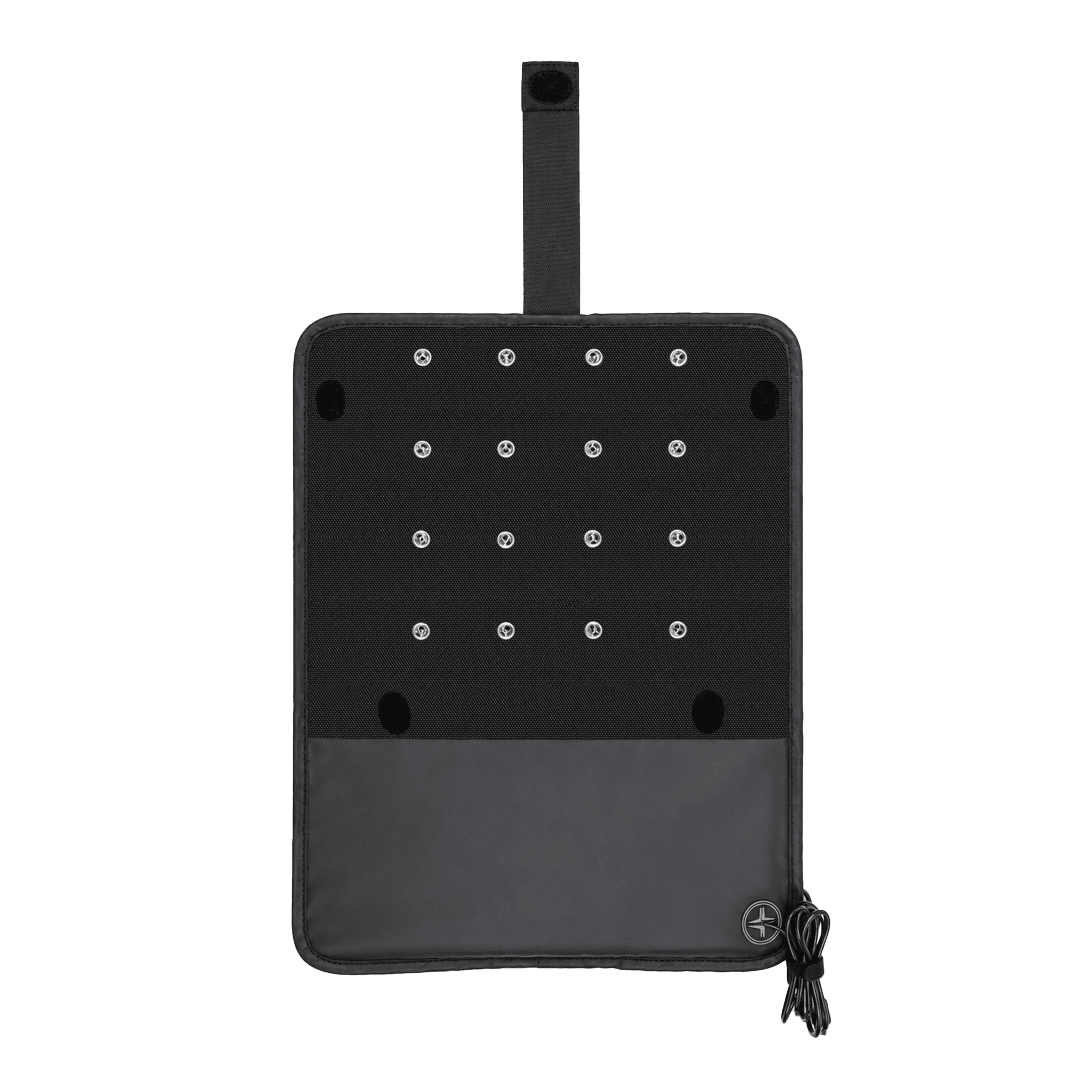
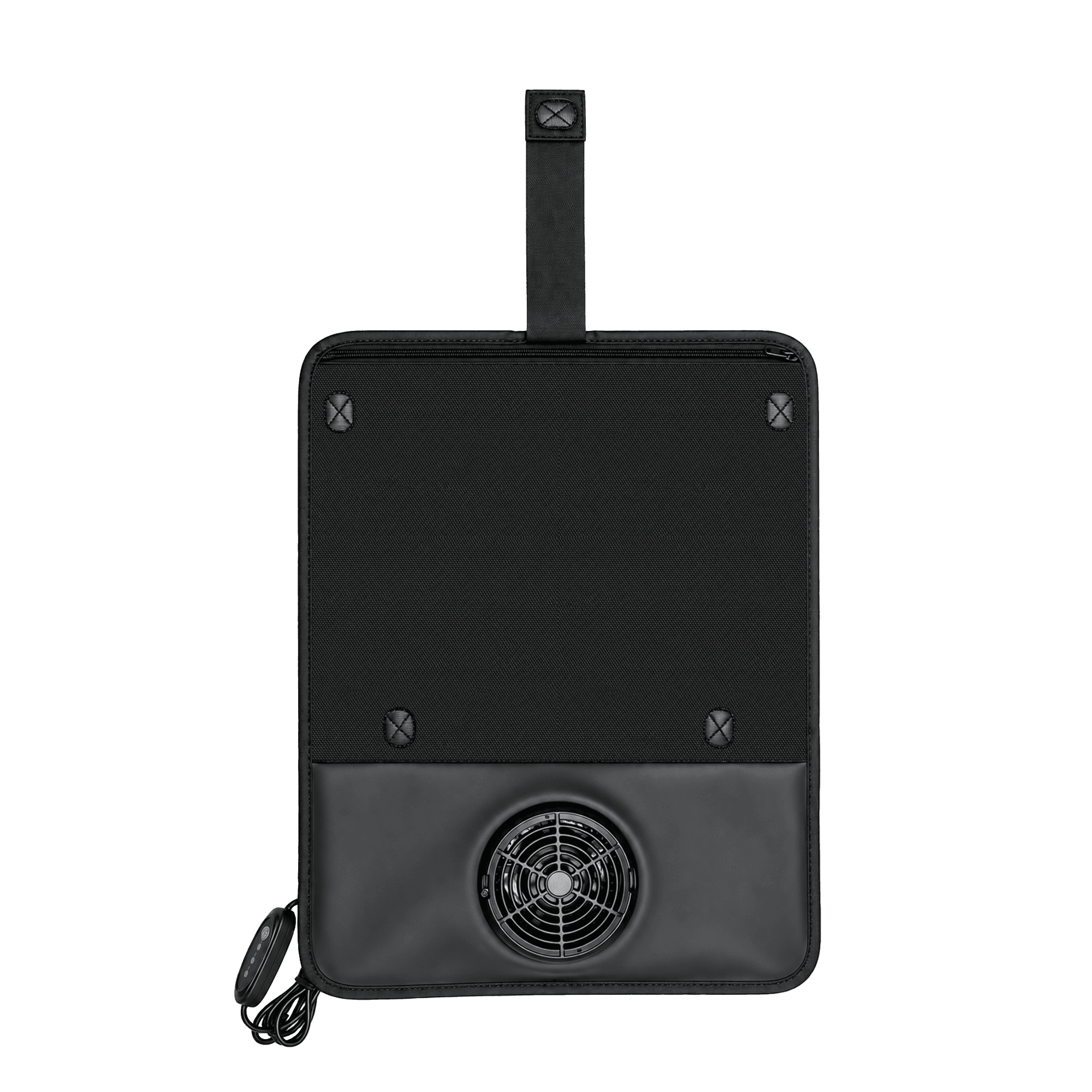
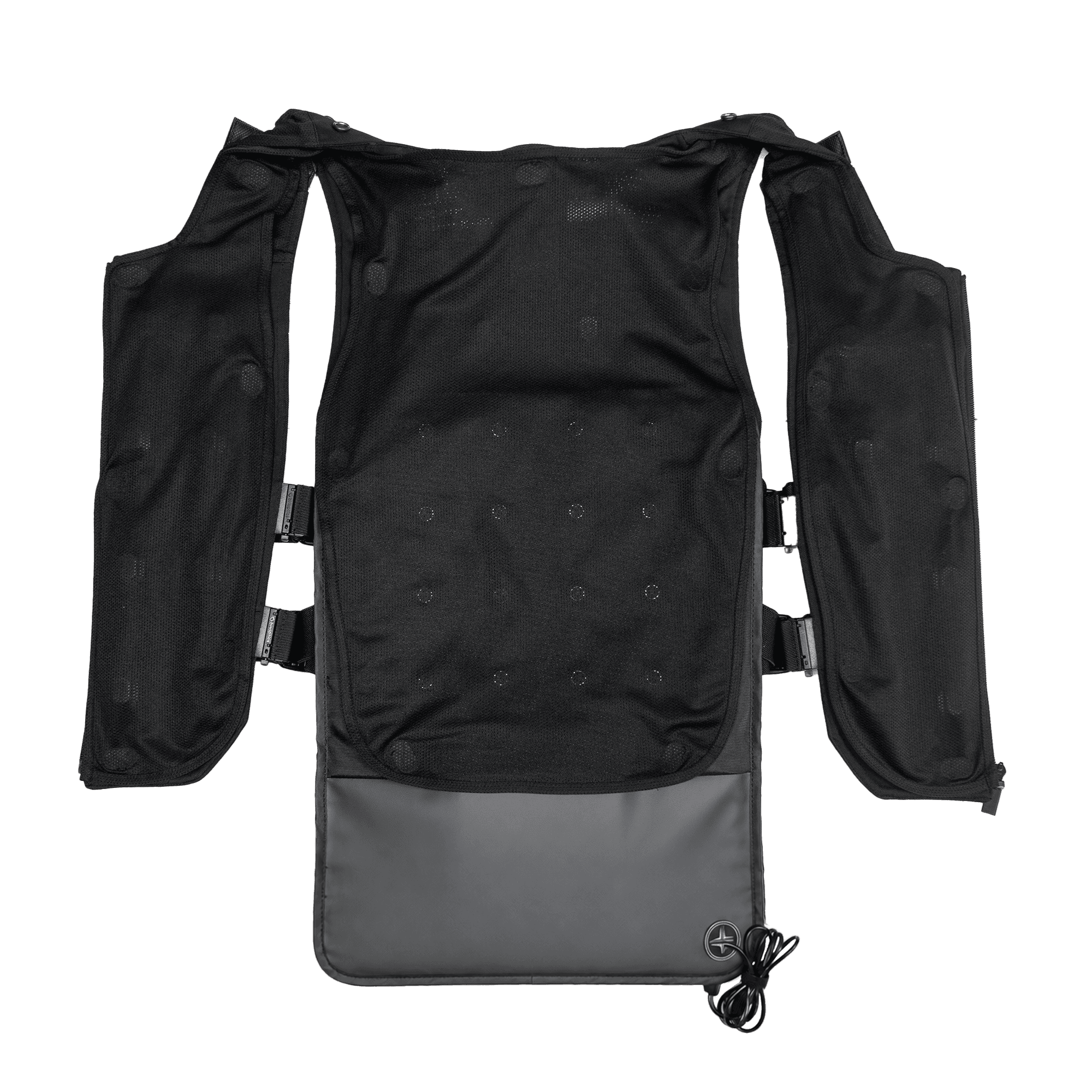
Cooling Fan for TactSuit Pro

10% off

$52

$58

Cooling Fan for TactSuit Pro 1
Cooling Fan for TactSuit Pro 2
Cooling Fan for TactSuit Pro 3
Cooling Fan for TactSuit Pro 4
Cooling Fan for TactSuit Pro 5
Cooling Fan for TactSuit Pro 1

Cooling Fan for TactSuit Pro

10% off

$52

$58

Est. Ship Date: October 12, 2026

Free ReturnsWarranty

Product Info

  • Fan Cooling for Long Sessions
  • USB Type-C Powered
  • Velcro Attachment

bHaptics Purchase Benefits

45 Day Money Back Guarantee

45 Day Money Back Guarantee

Try your bHaptics Haptic Suit for 45 days with our easy money-back guarantee.

* Return shipping costs are the customer’s responsibility.

Return and Refund
1 Year bHaptics Warranty

1 Year bHaptics Warranty

Covers manufacturing defects and hardware issues under normal use for one year from the purchase date.
Learn More
45 Day Money Back Guarantee

45 Day Money Back Guarantee

Try your bHaptics Haptic Suit for 45 days with our easy money-back guarantee.

* Return shipping costs are the customer’s responsibility.

Return and Refund
1 Year bHaptics Warranty

1 Year bHaptics Warranty

Covers manufacturing defects and hardware issues under normal use for one year from the purchase date.

Learn More
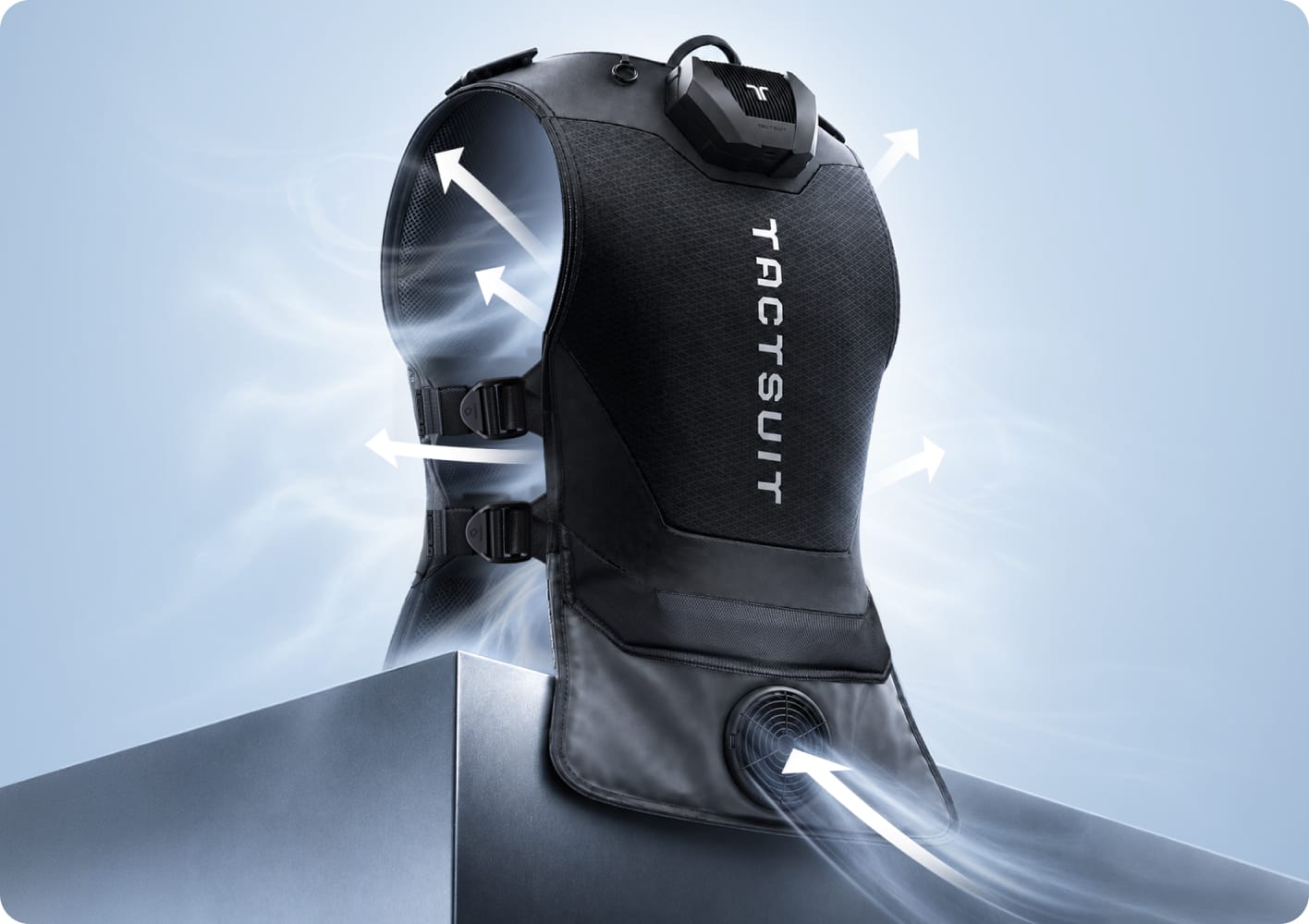
Airflow diagram of Cooling Fan for TactSuit Pro

Cooler TactSuit Pro

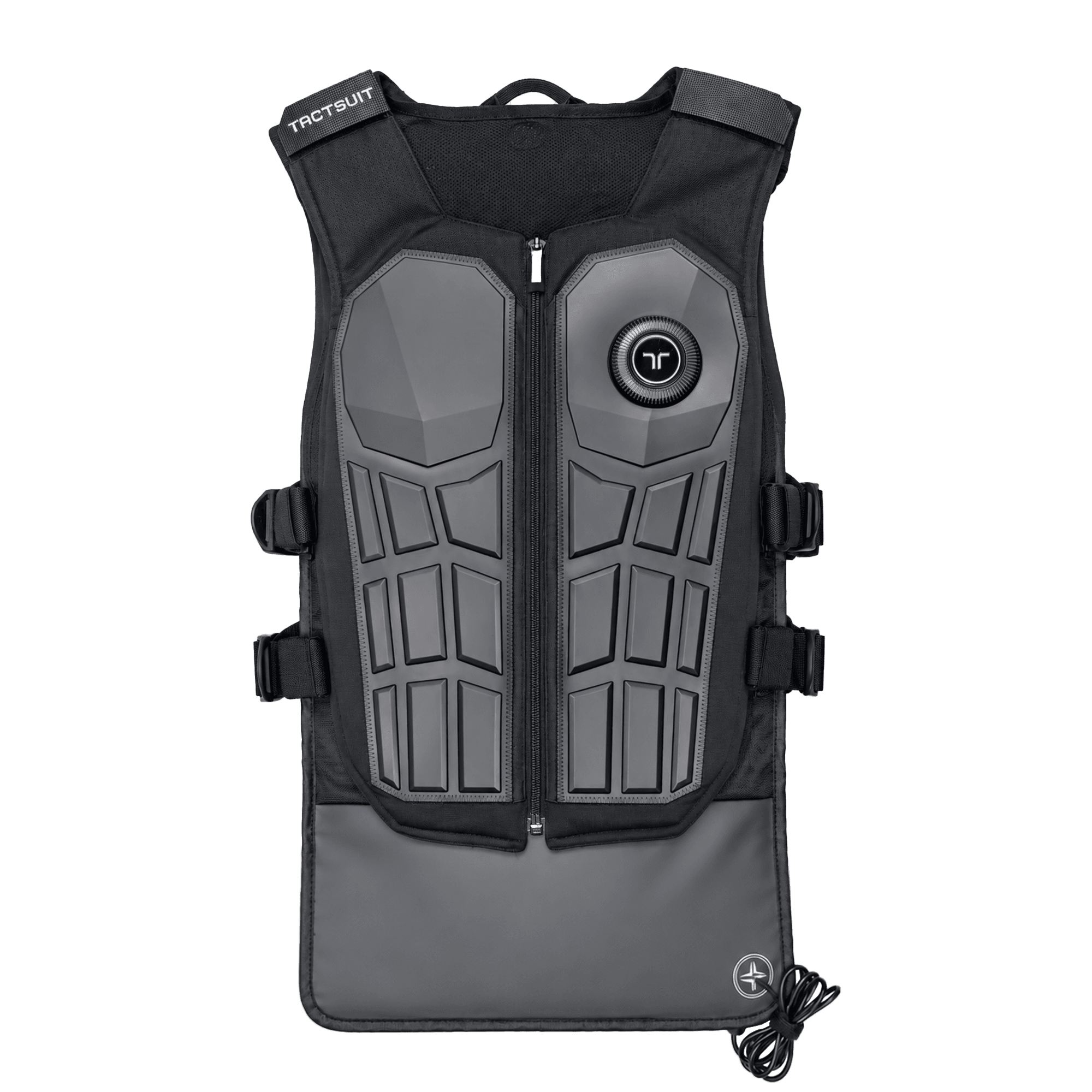
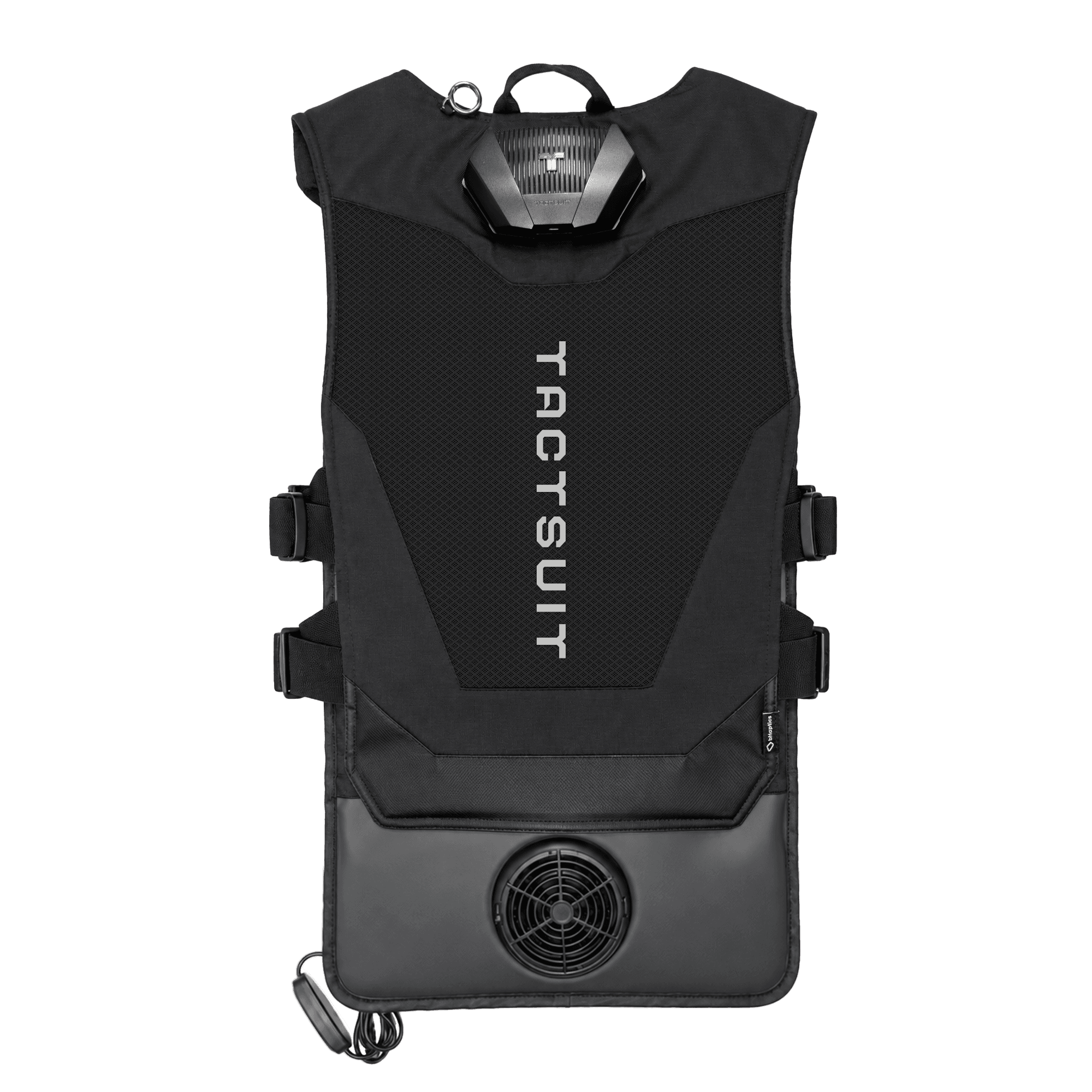
Attach it to the inside back panel and the fan pushes air upward. Heat does not sit on your back, so long sessions stay comfortable. No need to change your device. At 462.5g it goes straight onto the TactSuit Pro you already own.

Cable controller with three fan speed levels

Three fan speeds

A controller on the cable sets the airflow to one of three levels. You can change it by hand without stopping play.

How to use

Attach it, connect the cable, then switch it on in bHaptics Player and you are ready to go.
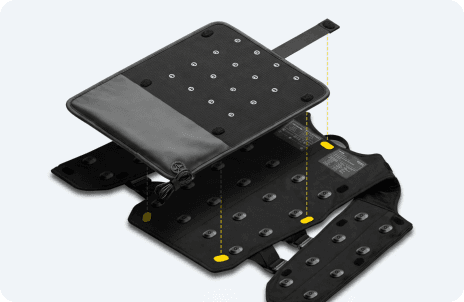
Attaching the cooling fan to the back panel
STEP 01

Attach it

Stick it to the inside back panel of the TactSuit Pro with velcro. The fan end hangs below the hem of the suit.
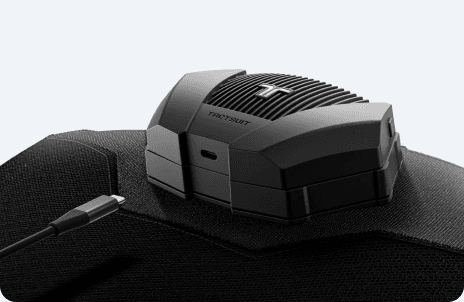
Connecting the USB Type-C cable
STEP 02

Connect USB Type-C

Connect the cable to the USB Type-C port on the TactSuit Pro module.

STEP 03

Set up bHaptics Player

When it draws power from the TactSuit Pro, turn on 'Allow accessory connection' in bHaptics Player preferences.

It runs while the suit battery is above 20%. Please turn it off while charging.

Turn it off while charging

You can't use the cooling fan and charge the battery at the same time. To charge the battery, turn off 'Allow accessory connection' in bHaptics Player.

LED state while the cooling fan is running

While using the cooling fan

  • Allow accessory connection: on
  • Yellow and blue stay lit (rear port LED)
  • Not charging
LED state while the battery is charging

While charging the battery

  • Allow accessory connection: off
  • Cooling fan stops
  • Charging starts

bHaptics Companion Software

Set up your device, play your favorite games and expand your immersion with our bHaptics Players.

PC Player for PC gamers

PC Player for PC gamers

Connect your device and play games instantly with one click, or enjoy videos and music through Audio-to-Haptics.
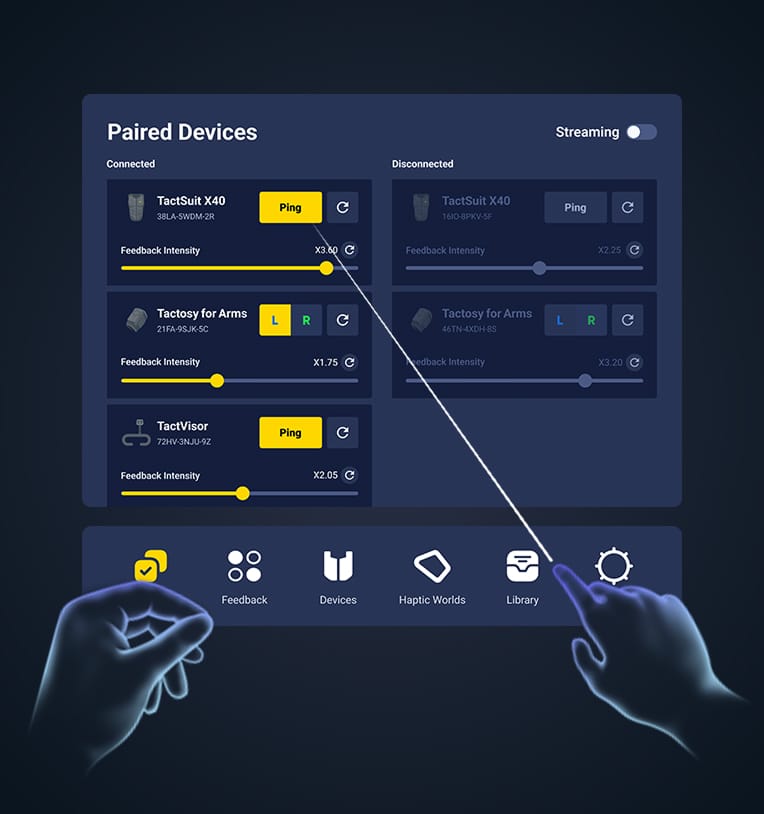
Learn More
VR Player for Meta Quest gamers

VR Player for Meta Quest gamers

Enjoy seamless gameplay and total freedom in your VR experience.
Learn More
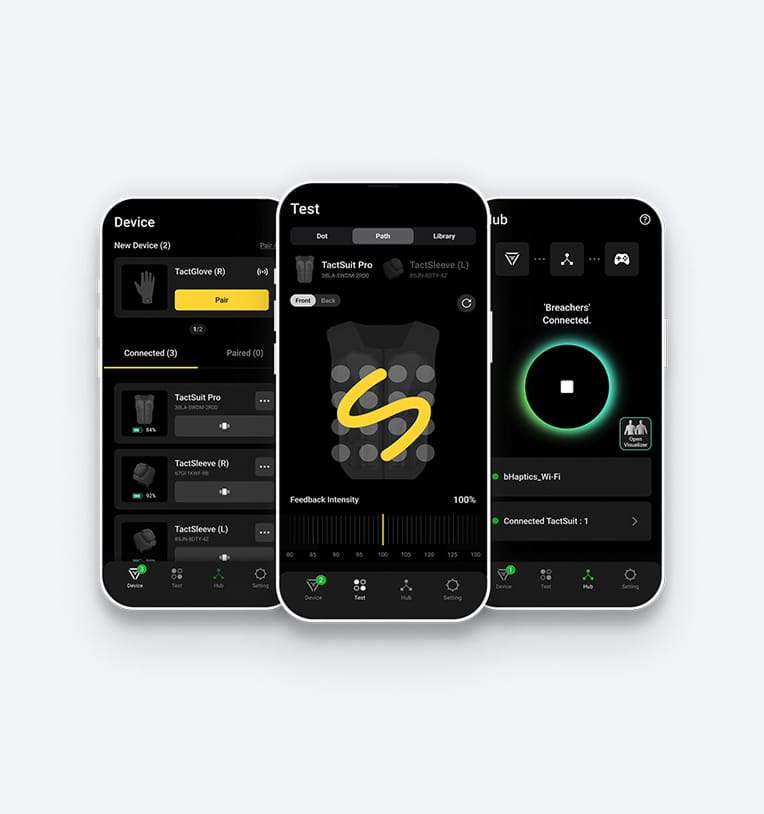
Mobile Player for PS VR 2 gamers

Mobile Player for PS VR 2 gamers

Control your device anywhere and connect to PSVR2 for instant fun.

Learn More
PC Player for PC gamers

PC Player for PC gamers

Connect your device and play games instantly with one click, or enjoy videos and music through Audio-to-Haptics.

Learn More
VR Player for Meta Quest gamers

VR Player for Meta Quest gamers

Enjoy seamless gameplay and total freedom in your VR experience.

Learn More
Mobile Player for PS VR 2 gamers

Mobile Player for PS VR 2 gamers

Control your device anywhere and connect to PSVR2 for instant fun.

Learn More

Specifications

Check the size and weight, how it cools, and which device it fits.

Dimension drawing of Cooling Fan for TactSuit Pro

Dimensions

460 × 350 × 58mm

Cooling method

Blower fan

Weight

462.5g

Compatible devices

TactSuit Pro only

FAQ

Full-body haptic wearables that let you feel every game

Newsletter

Don't Miss Out on Our Latest Updates!

Store

  • TactSuit Pro
  • TactSuit Air
  • TactSuit Air Camo
  • All Products

PC Games

  • Overview
  • Supported Games
  • Software

VR Games

  • Overview
  • Supported Games
  • Software

Support

  • Support Hub
  • Downloads
  • About bHaptics
  • Where to Experience

Contact

  • Customer Supportsupport@bhaptics.com
  • Business Purchasescm@bhaptics.com
  • Developer Inquiriesbd@bhaptics.com
  • Marketing & Partnershipsmarketing@bhaptics.com

Media

  • News

© 2026 bHaptics Inc. All rights reserved.
  • Terms and Conditions
  • Privacy Policy
  • Return and Refund
  • Legal Terms
  • Withdraw from contract here