• TactSuit

    TactSuit

  • Games

    Games

  • Software

    Software

  • Support

    Support

software-title-imgsoftware-title-mobile-img
Image

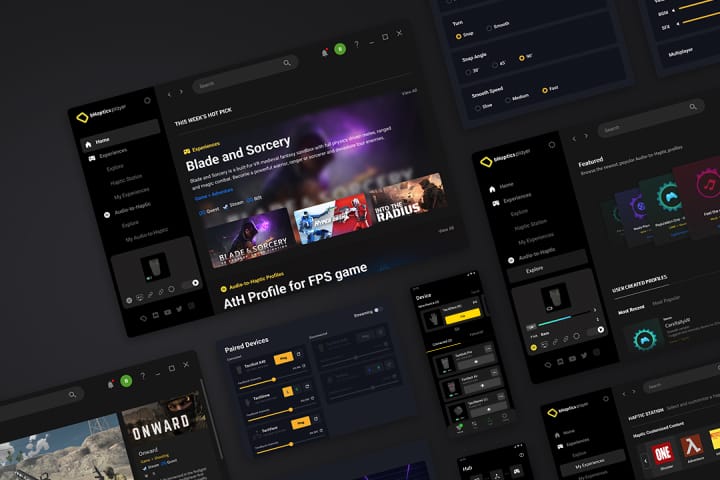
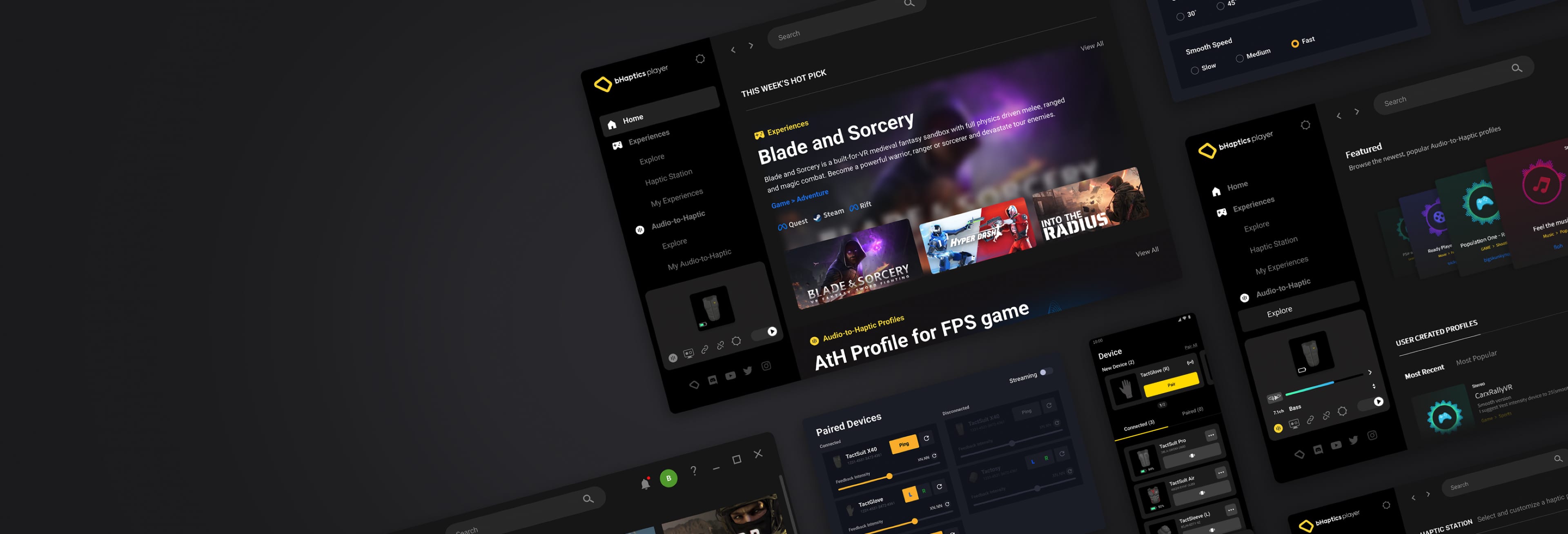
bHaptics Player

您进入触觉体验的第一步。配对您的TactSuit,探索本地支持的内容和更多功能。
player-main-imgplayer-main-mobile-img

移动设备 (iOS/Android)

iOS
Android

主要特点

  • 将bHaptics设备配对到移动设备
  • 测试和体验触觉反馈
  • 连接到与PSVR2相同的网络
  • 可视化触觉反馈

操作系统

  • iOS、Android

bHaptics Player 是在移动设备上使用 TactSuit 的必备程序。

/images/software/mobileplayer/software_mobileplayer_feature_1.jpg/images/software/mobileplayer/software_mobileplayer_feature_1_mobile.jpg

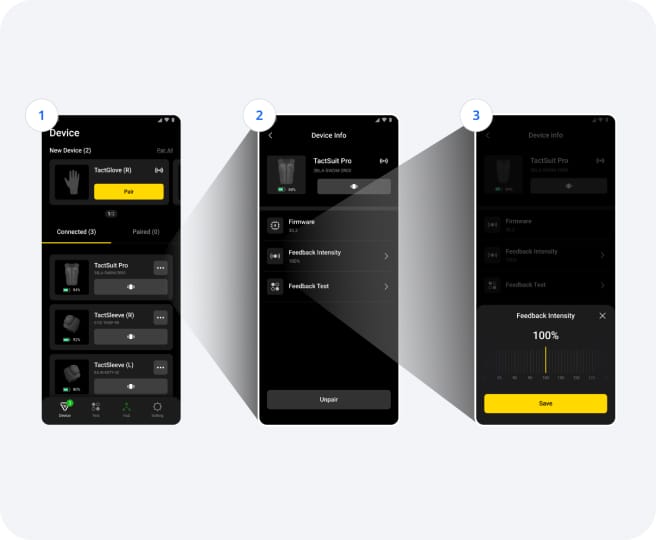
配对与设备配置

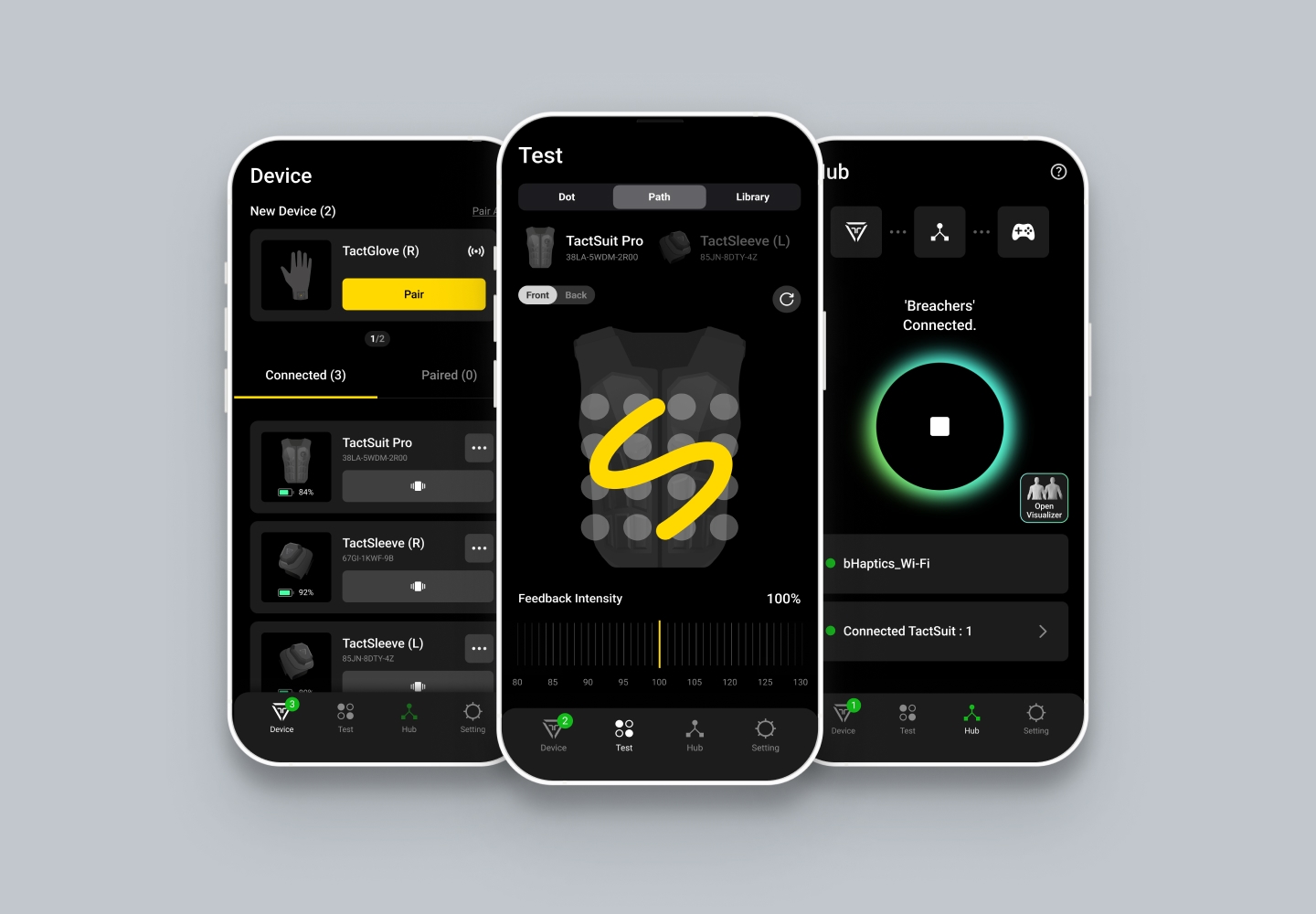
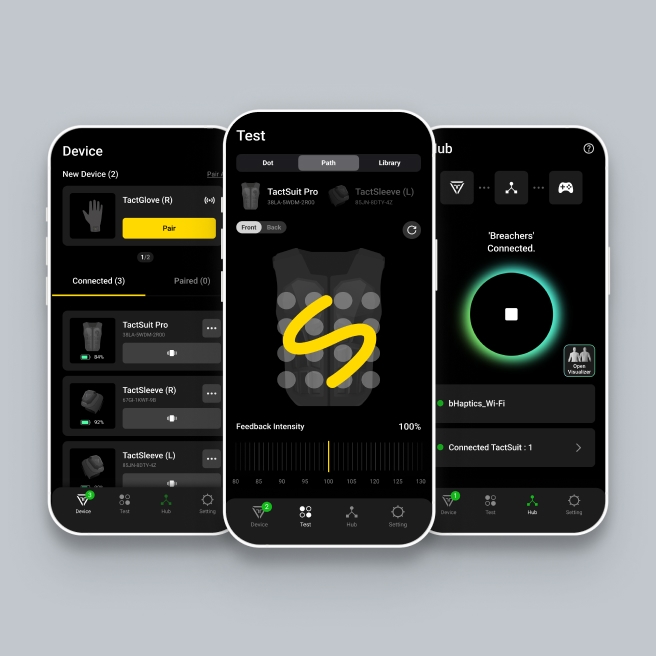
您可以配对设备,检查连接,测试反馈并配置您的 bHaptics 设备。

  • Feature 1扫描并配对您的bHaptics设备
  • Feature 2查看和调整连接设备信息
  • Feature 3调整触觉反馈强度
/images/software/mobileplayer/software_mobileplayer_feature_2.jpg/images/software/mobileplayer/software_mobileplayer_feature_2_mobile.jpg

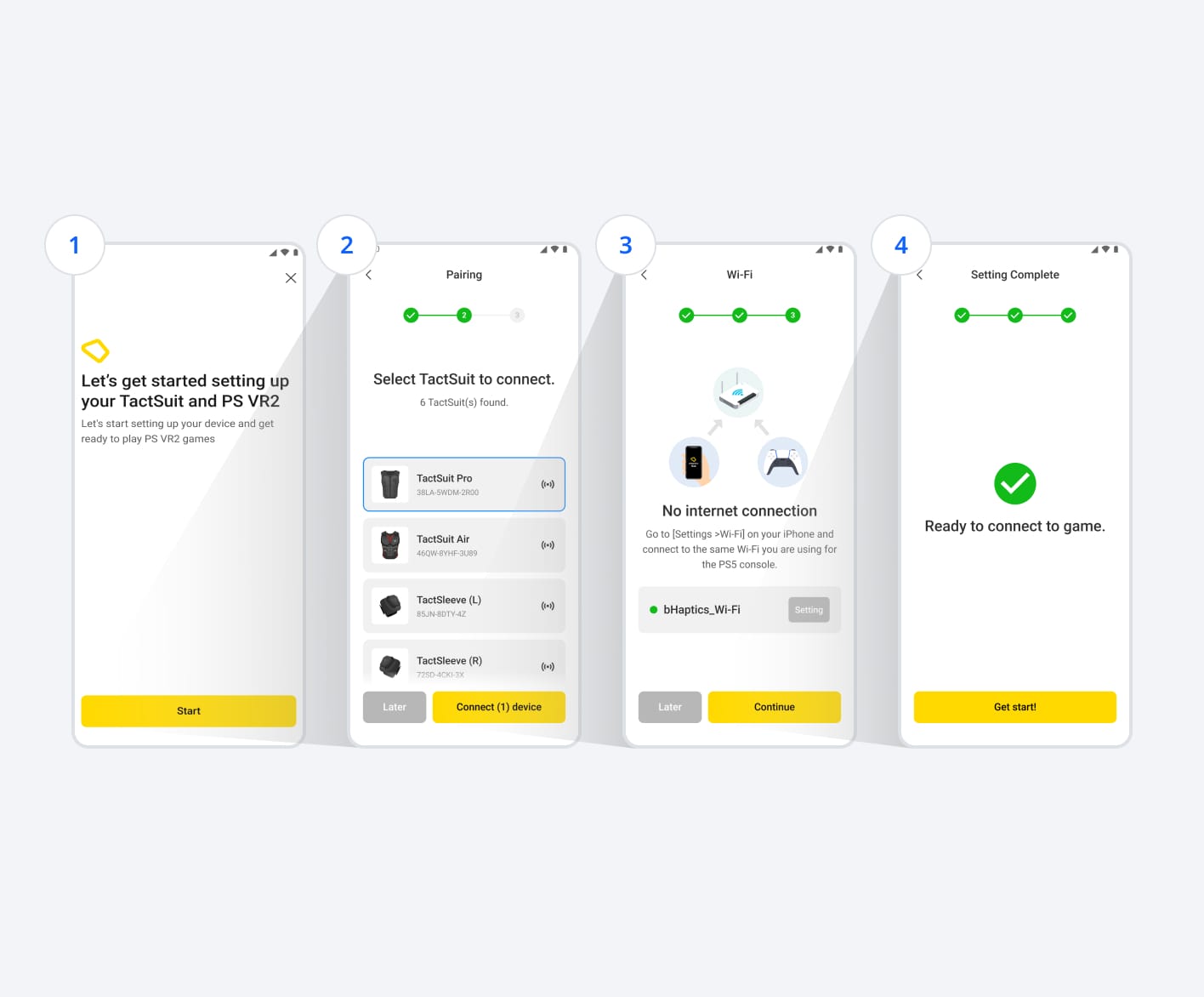
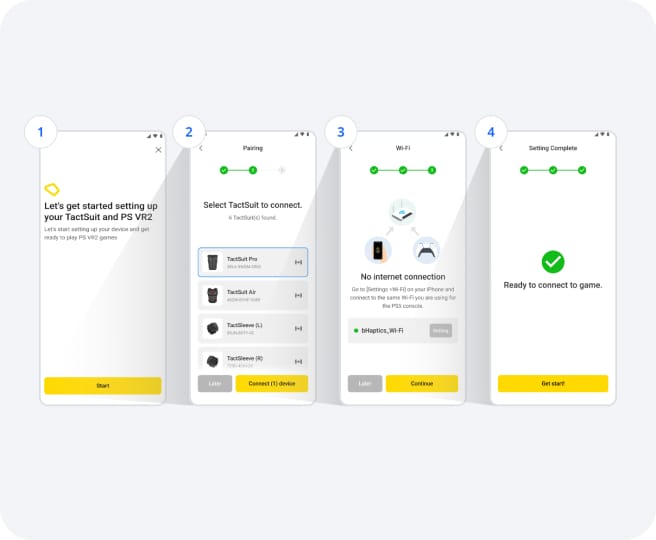
通过入门指南进行设置

我们为使用bHaptics Player应用程序提供启动指南。按照步骤轻松快速地设置您的bHaptics设备并配置您的网络。

※ 通过连接到与PlayStation 5相同的Wi-Fi网络直接连接。

  • Feature 1立即开始设置您的bHaptics和PSVR2连接
  • Feature 2连接您的bHaptics设备
  • Feature 3连接到与PS主机相同的网络
  • Feature 4完成连接PSVR2游戏的设置
/images/software/mobileplayer/software_mobileplayer_feature_3.jpg/images/software/mobileplayer/software_mobileplayer_feature_3_mobile.jpg

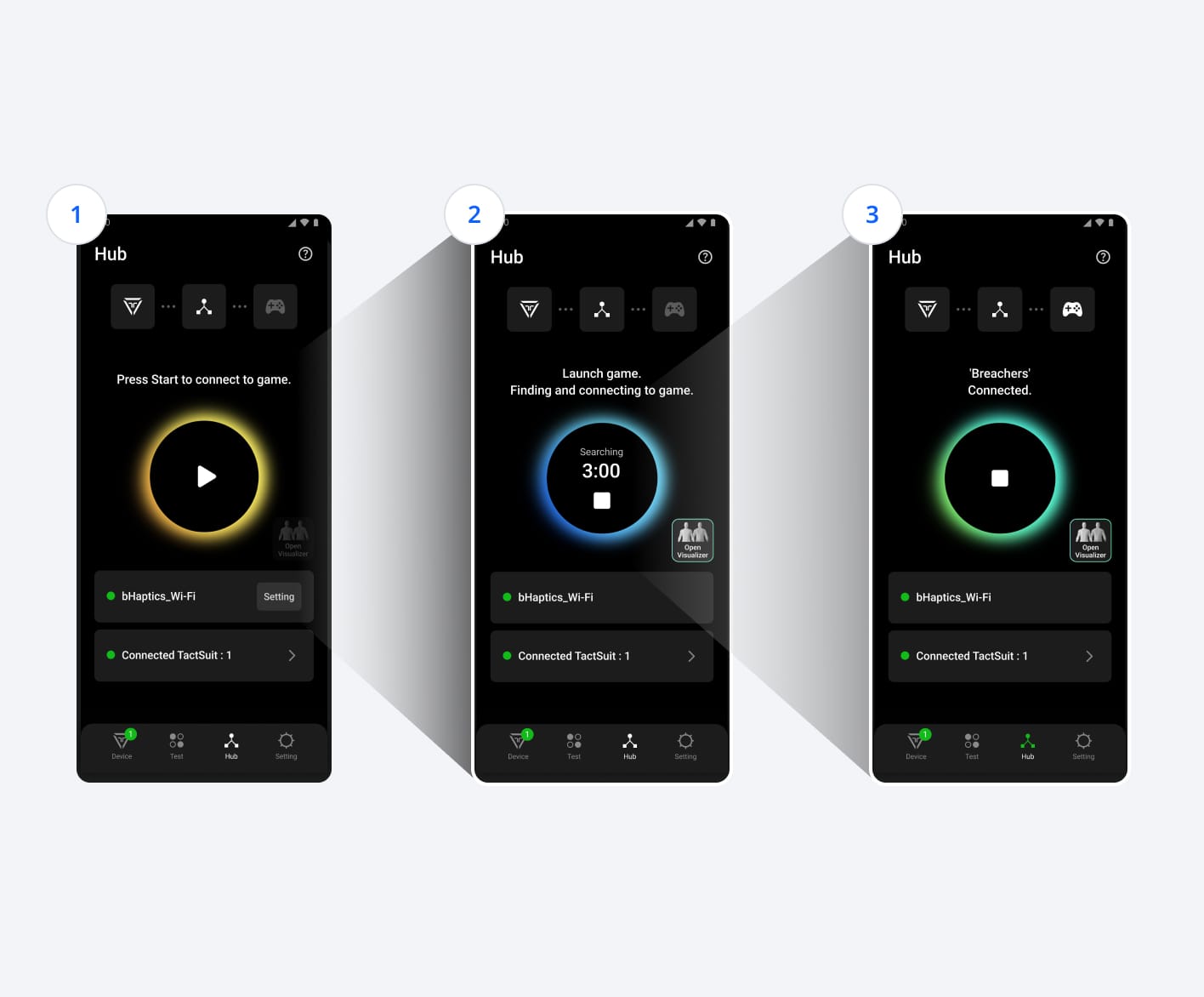
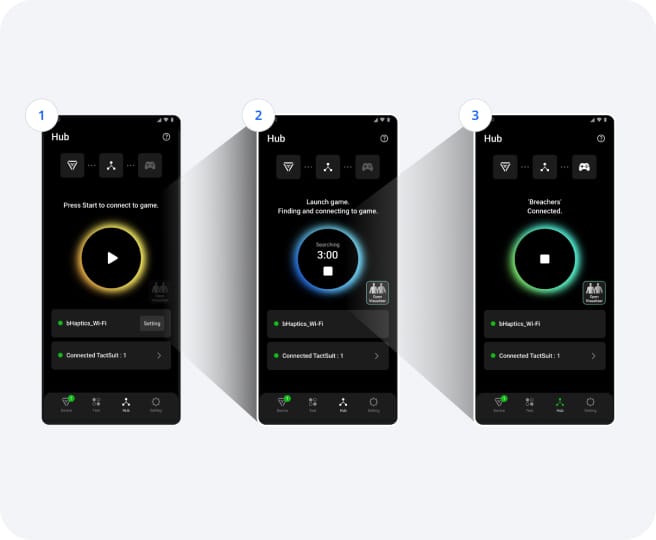
一键即时连接

使用bHaptics Player应用程序,您可以快速轻松地连接到PSVR2的本机支持内容。

  • Feature 1按开始按钮开始玩支持bHaptics的PSVR2游戏
  • Feature 2应用程序将尝试与支持PSVR2的游戏建立连接
  • Feature 3游戏连接已建立

TactSuit

  • Bundles
  • TactSuit Pro
  • TactSuit Air
  • TactSleeve
  • TactVisor
  • TactGlove
  • Tactosy for Feet
  • Accessories

Media

  • News

Games

  • Home
  • Meta Quest
  • Steam VR
  • PSVR2
  • Sim Racing
  • PC Game
  • Audio-to-Haptics

About Us

  • About bHaptics
  • Blog

Support

  • Support Hub

Customer Support & Feedback

  • support@bhaptics.com

Business Development

  • bd@bhaptics.com

Marketing

  • marketing@bhaptics.com

Newsletter

不要错过最新消息!

© 2026 bHaptics Inc. All rights reserved.
  • 用户协议
  • 隐私政策
  • 退换货政策
  • 法律声明